Smart home technology has moved far beyond novelty. Smart thermostats, lighting systems, security cameras, and voice assistants are now standard in many Southern California homes. But before you fill your house with smart devices, it's worth understanding what your electrical system needs to support them reliably.
Does Your Panel Have Enough Capacity?
Most individual smart devices don't draw much power on their own. A smart plug uses almost nothing, and a smart thermostat replaces your existing one. But when you start adding up smart lighting systems, security cameras, a video doorbell, a smart garage door opener, motorized blinds, and a home hub, the cumulative demand matters.
If your home already has an older or fully loaded panel, adding a smart home setup alongside an EV charger or new HVAC system might push you over the edge. A panel evaluation is a smart first step.
If capacity is tight, review the signs your panel needs upgrading before adding more automation.
Neutral Wires: The Hidden Requirement
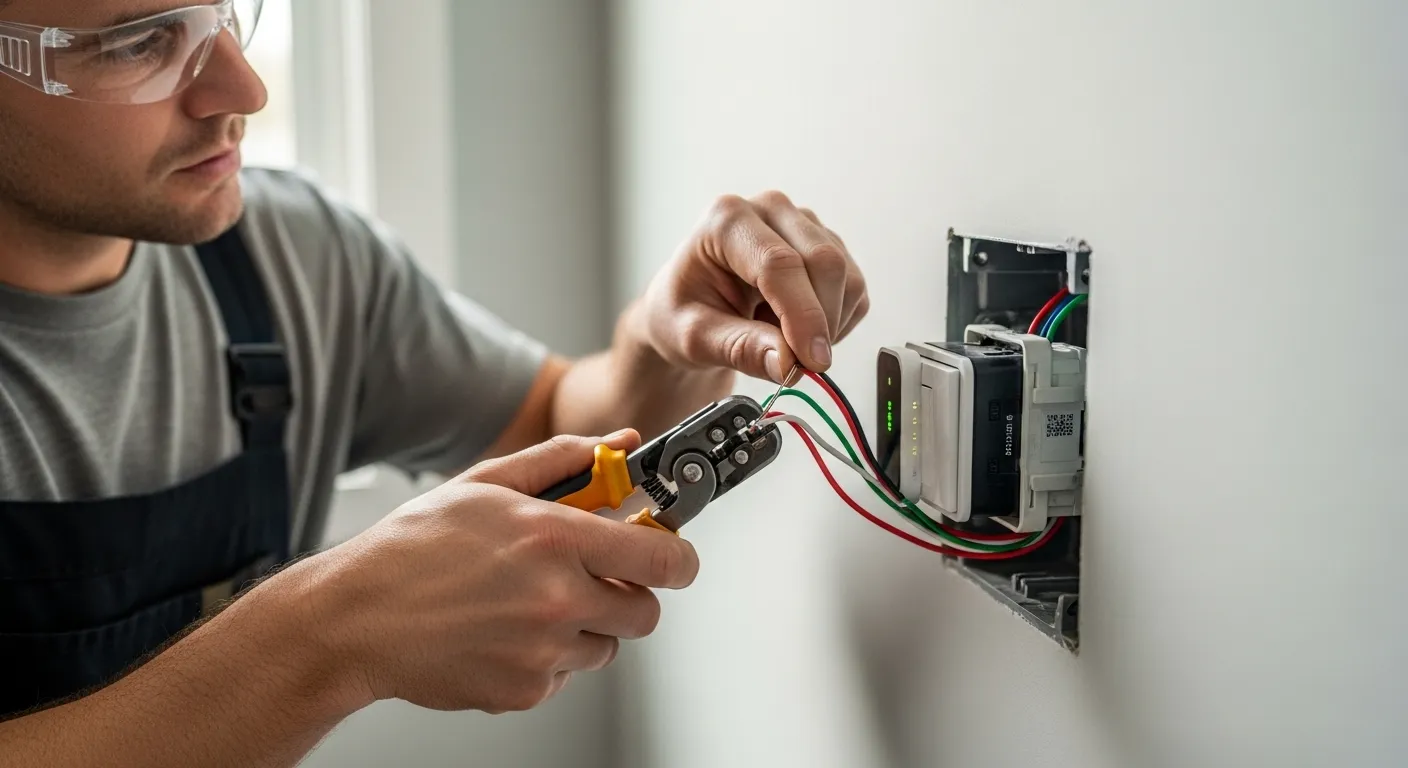
This is the most common issue we encounter with smart home installations. Many smart switches and dimmers require a neutral wire (white wire) at the switch box. Homes built before the 1980s often don't have neutral wires run to switch locations — the original wiring only included a hot wire and a switch leg.
Without a neutral wire, your options are limited to the few smart switches that don't require one (they tend to have fewer features) or having an electrician run a neutral wire to the switch box. It's a straightforward job that we do frequently.
Smart Lighting: Switches vs. Bulbs
There are two approaches to smart lighting, and each has different electrical implications:
- Smart switches: Replace your existing wall switches with smart versions. This is the better approach for most homes — you control all bulbs on that circuit, regular bulbs work fine, and guests can still use the wall switch normally. Requires a neutral wire in most cases.
- Smart bulbs: Individual bulbs with built-in WiFi. No wiring changes needed, but you must always leave the wall switch on (which confuses guests), and each bulb needs its own WiFi connection.
For whole-home smart lighting, we almost always recommend smart switches over smart bulbs.
Dedicated Circuits for Home Offices
If you work from home, a dedicated circuit for your office ensures that your computer, monitors, and networking equipment aren't sharing power with other rooms. This prevents tripped breakers during video calls and protects sensitive electronics from voltage fluctuations. A dedicated 20-amp circuit for a home office is a quick, affordable upgrade.
Smart controls pair especially well with ceiling fans and whole-house fans, which benefit from scheduling more than almost any other device.
Outdoor Smart Devices
Smart security cameras, floodlights, and landscape lighting controllers need properly weatherproofed electrical connections. If you're installing outdoor smart cameras, make sure you have exterior outlets or junction boxes in the right locations. Hardwired cameras are more reliable than battery-powered ones and don't need recharging every few months. For pools and hot tubs, smart pool and spa wiring can integrate with your home automation system.
WiFi and Networking
While not strictly electrical, your smart home is only as good as your WiFi network. If you're going all-in on smart devices, consider having an electrician install structured wiring — Cat 6 network cabling run through your walls to strategic locations for WiFi access points. This gives you a rock-solid mesh network that won't drop devices when your neighbor's WiFi interferes.
Plan Your Smart Home Right
The best time to set up your smart home electrical infrastructure is during a renovation or new construction — but retrofitting is absolutely doable. Westek Electric Corp. can evaluate your current wiring, add neutral wires where needed, install dedicated circuits, run low voltage wiring, and set up outdoor power for cameras and lighting. Call (909) 996-6678 for a free consultation.